Stop forcing executives to read markdown tables. Architecting visual data synthesis for enterprise agents.
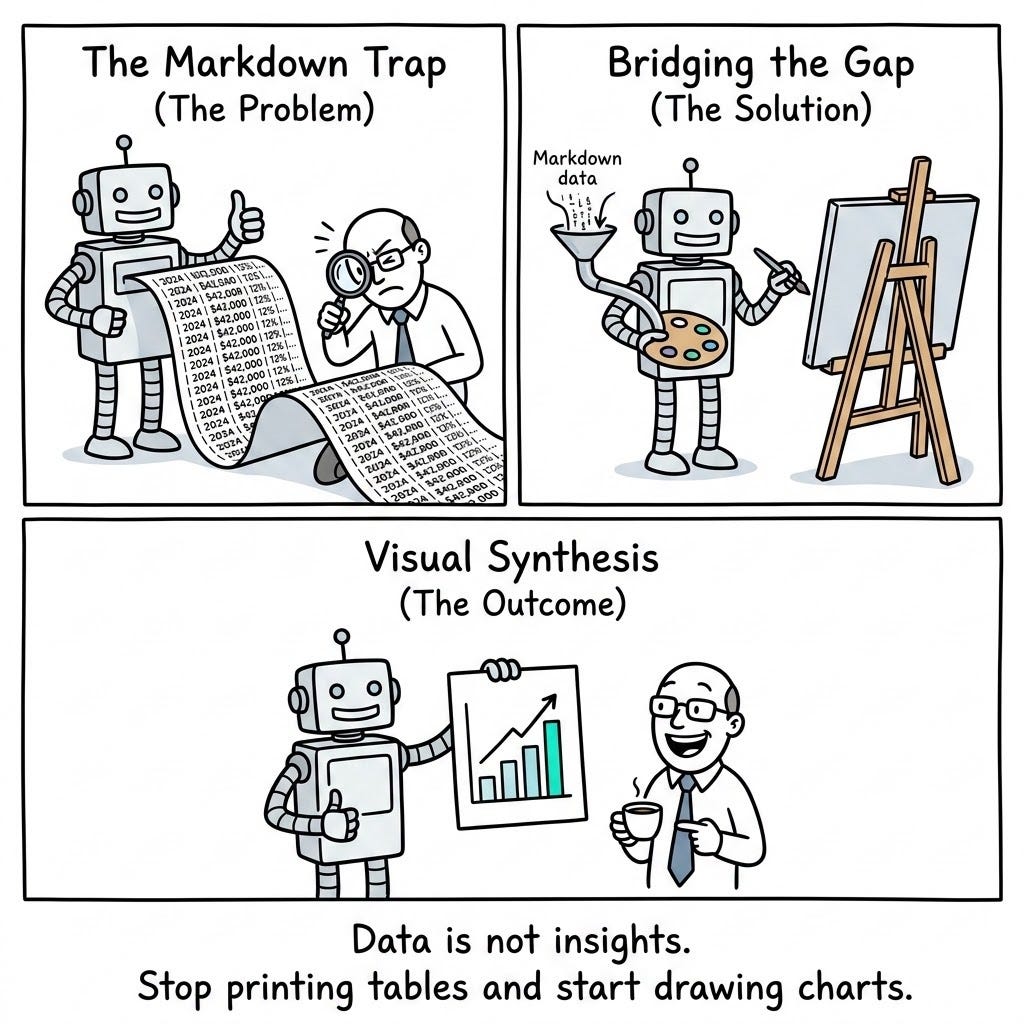
The Markdown Trap (The Problem)
If you have followed the Cognitive Agent Architecture up to this point, you have built a formidable machine. Your agent can intelligently cache massive API payloads, and it can write and execute deterministic Python code to extract mathematically perfect insights.
But in an enterprise environment, finding the right answer is only 50% of the job. The other 50% is communicating that answer to a human stakeholder. This is the “last mile” of data analytics, and it is where most LLM applications completely fall apart.
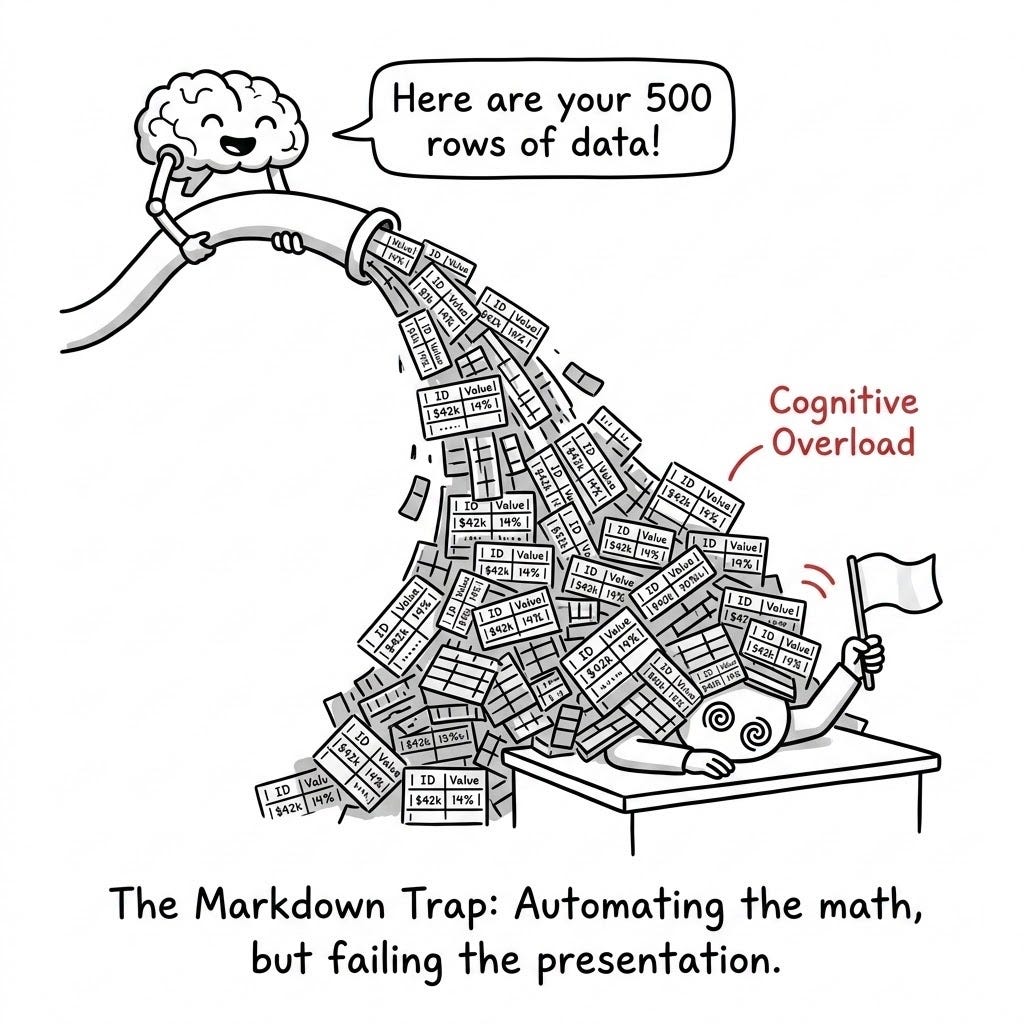
When an agent successfully calculates a complex dataset — say, the Q3 revenue distribution across 50 different sales regions — its default behavior is to format that output as text. It will generate a massive, 50-row Markdown table and dump it directly into the chat UI.
I call this The Markdown Trap.
To a machine, a table is perfectly logical. To a human executive trying to make a rapid business decision, it is an unreadable wall of noise.
The Cognitive Load Failure
Humans are highly visual creatures. When a CFO looks at a spreadsheet of 50 regions, they are not actually reading the numbers; they are scanning for anomalies. Which region is the highest? Which is the lowest? Is there a geographic trend?
When an agent prints a raw Markdown table, it forces the human user to manually read every single cell, hold those numbers in their working memory, and perform the trend analysis in their own head. We have essentially automated the computation, but we have pushed the cognitive load of interpretation back onto the user.
If a junior data analyst discovered a massive concentration risk in a client portfolio, they would never copy and paste 100 rows of raw text into a Slack message to their boss. They would open up Excel, create a pie chart or a heat map, and send the image.
Data is not an insight until it is synthesized. If we want our agents to act as true Enterprise Consultants, we must stop forcing our users to read tables, and start teaching our models to draw.
Bridging the Visual Gap (The Solution)
To escape the Markdown Trap, we must look at how human consultants operate. When a financial analyst runs a complex script to find a correlation, they do not email the raw CSV file to the CEO. They take that data, open a visualization tool, and generate a slide deck. The slide deck is the deliverable.
We must architect our agents to produce this same deliverable. We achieve this by introducing a visualization engine to the Agentic Sandbox, exposed via a new performatory tool: generate_chart.
The “Paintbrush” Architecture
Instead of returning an array of numbers directly to the user, we modify the agent’s system prompt and tool registry to enforce a visual-first workflow for any request involving trends, comparisons, or distributions.
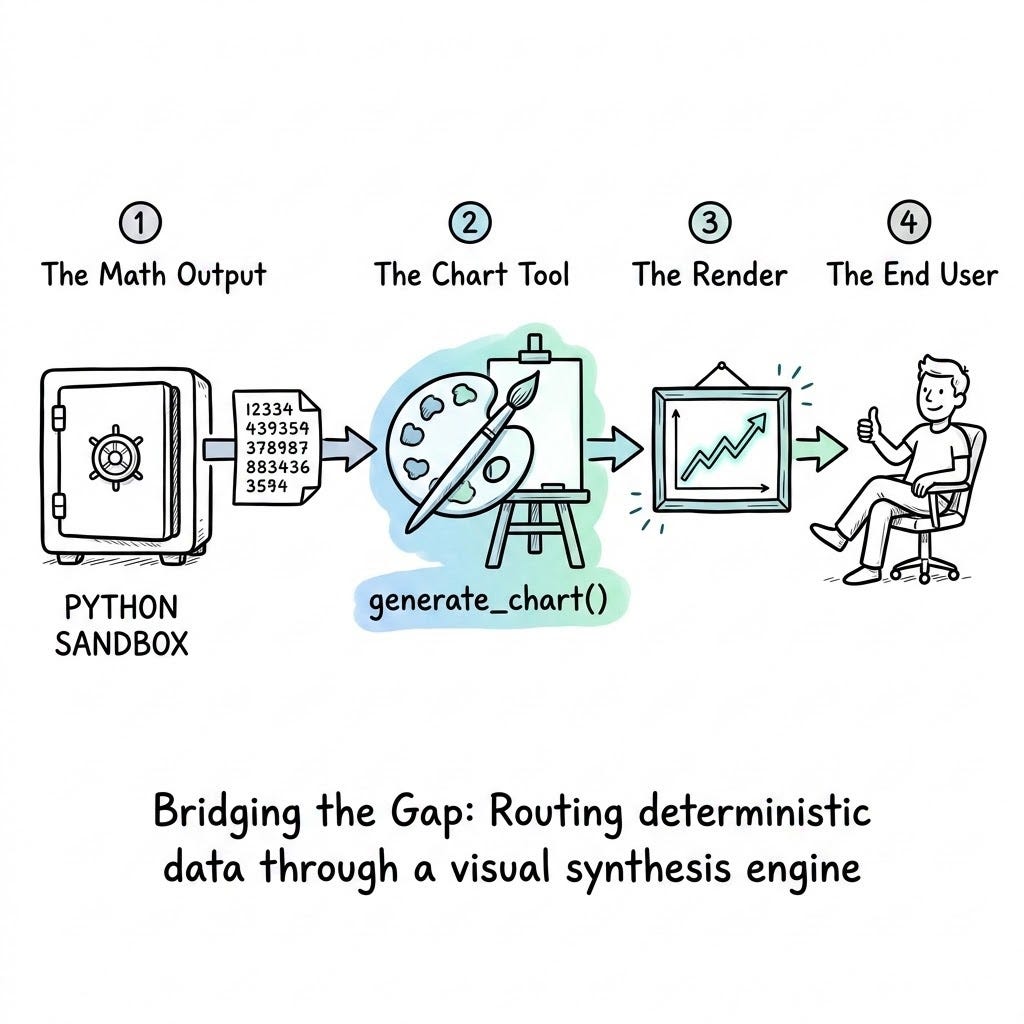
- The Extraction (The Brain): The agent reads the prompt and fetches the necessary data (using the read_from_cache tool we built in Article 1).
- The Computation (The Calculator): The agent writes a script to perform the math and sends it to the execute_python Sandbox (from Article 2) to get the deterministic answer.
- The Synthesis (The Paintbrush): This is the new step. Instead of writing a Markdown table, the agent takes the deterministic answer and calls generate_chart(data, chart_type, title).
- The Render: The middleware passes this payload to a visualization library (like Matplotlib, Plotly, or D3.js). The library physically draws the chart and returns a rendered image file (or a base64 encoded string) to the application frontend.
The Cognitive Advantage
When you enforce this architecture, the transformation in user experience is immediate.
By offloading the visual synthesis to a deterministic library, you are doing exactly what we did with the math: letting the LLM handle the logic while letting specialized software handle the execution. The model decides what kind of chart is best (a scatter plot for distribution, a line chart for time-series), and the library ensures the chart is mathematically perfect.
The chat UI no longer looks like a chaotic terminal window. It looks like a polished, dynamic enterprise dashboard, generated on the fly in response to natural language. The cognitive load is lifted from the user, and the agent successfully completes the final mile of the consultation.
The Code Artifact: The Visual Synthesis Engine
We have the theory and the architectural mandate. Now, we must build the infrastructure.
To enable our agent to draw, we need to provide a tool that acts as an abstraction layer over a standard plotting library. In an enterprise web application, you might use a JavaScript library like D3.js or Chart.js on the frontend. However, to keep the agentic reasoning loop self-contained, we can use Python’s matplotlib to render the chart in memory, encode it as a base64 image, and pass it directly to the chat UI.
Below is a Python implementation of a VisualSynthesisEngine. It exposes the generate_chart tool to the agent, accepts structured data, renders the image, and returns a format that can be seamlessly displayed to the user.
import matplotlib.pyplot as plt
import io
import base64
import json
from typing import Dict, Any

class VisualSynthesisEngine:
    """
    A runtime tool that converts deterministic JSON data into a visual chart.
    Returns a base64 encoded string for immediate frontend rendering.
    """

    def generate_chart(self, chart_type: str, title: str, data_json: str, x_label: str, y_label: str) -> str:
        """
        Tool exposed to the Agent.
        Accepts raw data and styling instructions, returns a base64 image payload.
        """
        try:
            # 1. Parse the deterministic data provided by the Sandbox
            data = json.loads(data_json)
            keys = list(data.keys())
            values = list(data.values())

            # 2. Initialize the Canvas
            plt.figure(figsize=(10, 6))

            # 3. Render the specific chart type chosen by the LLM
            chart_type = chart_type.lower()
            if chart_type == 'bar':
                plt.bar(keys, values, color='#4CAF50')
            elif chart_type == 'line':
                plt.plot(keys, values, marker='o', color='#2196F3', linewidth=2)
            elif chart_type == 'scatter':
                plt.scatter(keys, values, color='#FF9800')
            else:
                return f"ERROR: Unsupported chart_type '{chart_type}'. Use 'bar', 'line', or 'scatter'."

            # 4. Apply the Agent's styling and context
            plt.title(title, fontsize=16, fontweight='bold')
            plt.xlabel(x_label, fontsize=12)
            plt.ylabel(y_label, fontsize=12)
            plt.xticks(rotation=45, ha='right')
            plt.tight_layout()

            # 5. Save to memory instead of the local disk
            buffer = io.BytesIO()
            plt.savefig(buffer, format='png')
            buffer.seek(0)
            plt.close()

            # 6. Encode and return to the UI/Agent Context
            image_base64 = base64.b64encode(buffer.read()).decode('utf-8')

            # Return a payload the UI can render: <img src="data:image/png;base64,...">
            return f"SUCCESS: Chart rendered. Tell the user the chart is ready and pass this payload to the UI: [BASE64_IMAGE_PAYLOAD_READY]"

        except Exception as e:
            # Return the traceback to the LLM so it can fix its data formatting
            return f"RENDER ERROR: Failed to generate chart. {str(e)}"
The Outcome
By equipping your agent with this VisualSynthesisEngine, you fundamentally change the user experience.
When a VP of Sales asks, “How did our regional branches perform this quarter?”, the agent does not spit out fifty rows of text. It fetches the data, calculates the totals in the Sandbox, and passes the clean JSON to the Chart Engine.
Within seconds, a beautifully rendered, easy-to-read bar chart appears in the chat window. The agent then adds a single sentence of synthesized context: “As the chart shows, the Midwest region outperformed expectations by 14%.”
You have moved the AI from being a simple calculator to a true data storyteller. You have bridged the visual gap.
Build the Complete System
This article is part of the Cognitive Agent Architecture series. We are walking through the engineering required to move from a basic chatbot to a secure, deterministic Enterprise Consultant.
To see the full roadmap — including Semantic Graphs (The Brain), Gap Analysis (The Conscience), and Sub-Agent Ecosystems (The Organization) — check out the Master Index below:
The Cognitive Agent Architecture: From Chatbot to Enterprise Consultant
The Visual Agent: Why Your LLM Needs a Charting Tool was originally published in Towards AI on Medium, where people are continuing the conversation by highlighting and responding to this story.